
4 October 2026
How to Preserve Phone Evidence Without Compromising It
Learn how to preserve phone evidence safely, document its condition, protect data, and maintain a clear chain of custody for a legal review when needed.
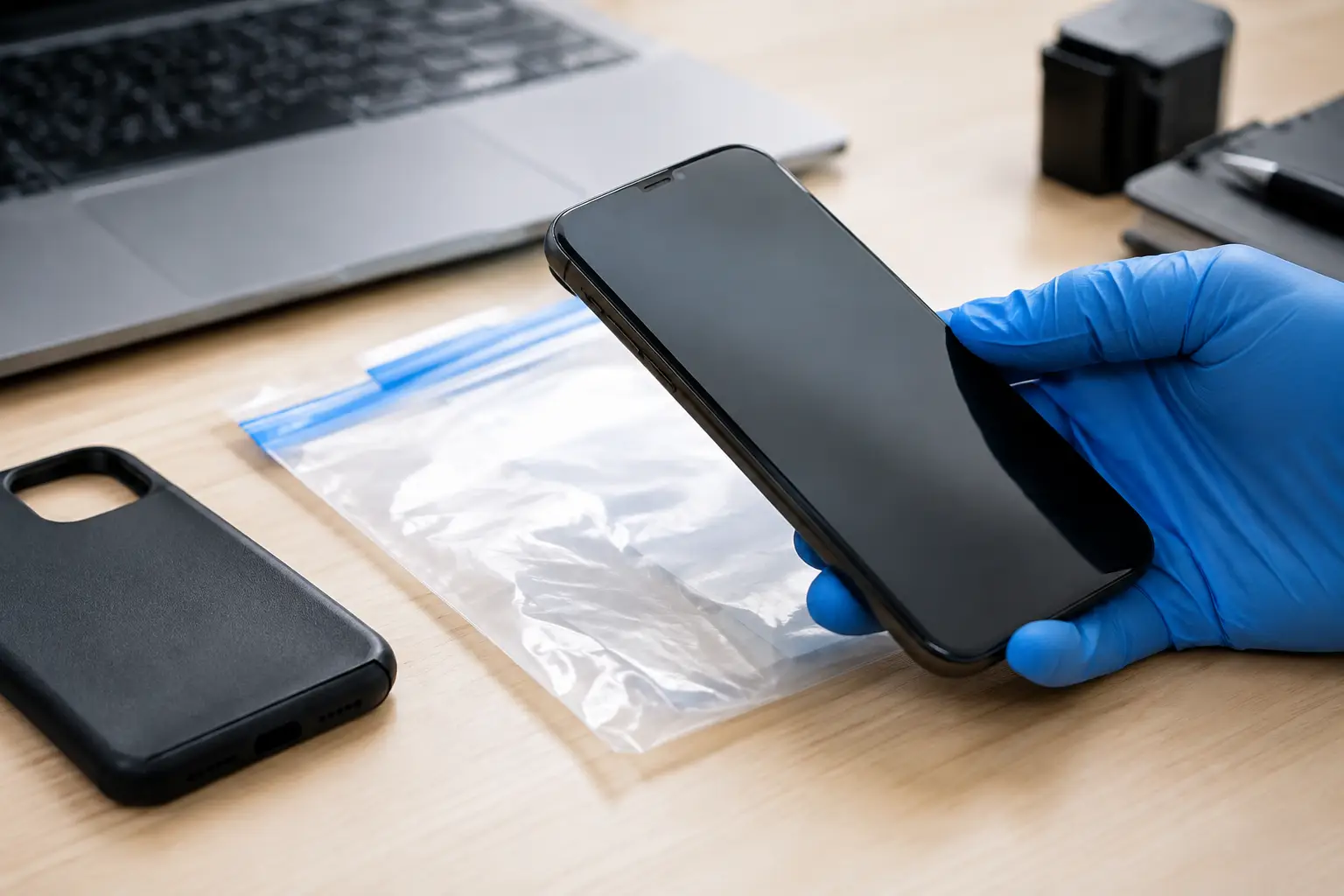
A phone can contain the clearest record of what happened – messages, call logs, location history, photographs, files, and app activity. It can also change with a single tap, automatic backup, incoming message, or software update. Knowing how to preserve phone evidence means acting promptly, carefully, and within the law so the information remains reliable when it is reviewed by counsel, an employer, or a court.
The first priority is not to investigate the device yourself. It is to prevent alteration while creating a defensible record of its condition and handling.
How to Preserve Phone Evidence From the First Moment
If the phone is in your lawful possession, photograph it before doing anything else. Capture the front and back of the device, visible damage, the lock screen if displayed, the time and date, connected accessories, and where it was found. Use another device to take these photographs. Do not use the phone itself to document its own condition.
Write down the basic facts immediately: who found the phone, when and where it was found, who owns or normally uses it, and every person who handles it afterward. This simple record begins the chain of custody. A chain of custody is the documented history of an item from collection through review. Gaps do not automatically make evidence unusable, but they can create questions about whether data was changed, deleted, or accessed by someone else.
If the screen is unlocked, resist the urge to scroll through messages or open applications. Each action may create timestamps, mark content as read, trigger syncing, or alter temporary data. If you need to preserve what is visibly displayed because it may disappear, photograph the screen with a separate camera, including enough of the device and surrounding area to show context. Record why the image was taken and what was visible.
Then place the device in a secure location with restricted access. A clean evidence bag or container is preferable, marked with the date, time, device description, and the name of the person who secured it. Avoid leaving it in a car, near moisture, or where others can access it.
Prevent Remote Changes Without Destroying Data
Modern phones communicate constantly. They may receive new messages, synchronize with cloud accounts, update applications, or receive a remote wipe command. Limiting those connections can help protect evidence, but the method should fit the situation.
If the device is already powered on, do not repeatedly turn it off and on. Restarting can require a passcode, change encryption states, and complicate later examination. Do not remove a SIM card unless a qualified forensic examiner or legal adviser tells you to do so. SIM removal can affect network records, applications, and the phone’s normal operation.
Airplane mode may stop some wireless communications, but opening the device to enable it also changes the device state. Where lawful and practical, a purpose-designed signal-blocking enclosure can isolate a phone without interacting with its screen. These tools are not perfect in every circumstance, and a damaged or poorly sealed enclosure may not fully block signals. The key is to avoid improvising in ways that damage the device or overwrite evidence.
Battery level presents a separate concern. A phone that loses power may become harder to access after restart. Yet connecting it to an unknown charger, computer, or vehicle can introduce data changes or security risks. Use only an appropriate power source if preservation professionals advise charging is necessary, and document the time, cable, adapter, and person involved.
Preserve the Context, Not Just the Device
A phone rarely tells the whole story on its own. The circumstances around it can establish relevance, ownership, timing, and authenticity. Preserve related materials such as charging cables, written notes, screenshots already supplied to you, account notices, receipts, and any communications that explain why the device matters.
For a workplace matter, retain relevant company policies, device-assignment records, access logs, incident reports, and correspondence with the employee or vendor involved. For a personal or matrimonial matter, keep a contemporaneous timeline of events. Record dates, names, statements made, and observations without adding assumptions. A note that says, “Phone found on the kitchen counter at 9:15 p.m.; screen showed an incoming call from a saved contact,” is stronger than a note that labels the call as proof of misconduct.
Screenshots can be useful supporting material, but they are not a substitute for preserving the original device or account data. They may omit metadata, context, deleted content, or the information needed to show when and how the image was created. If screenshots are all that is available, preserve the original image files, avoid editing or cropping them, and note who captured them and when.
Create a clear handling log
A practical handling log can be kept on paper or in a secure case file. Each entry should identify the date and time, person handling the phone, purpose of access or transfer, location, and the condition of the device. If it is transferred to an attorney, forensic examiner, or investigator, obtain a receipt or written confirmation.
This level of discipline matters in disputes involving alleged fraud, harassment, theft of confidential information, hidden assets, custody concerns, or false claims. It shows that the evidence was treated as evidence, not as an opportunity for private surveillance or confrontation.
Know the Limits of Lawful Access
Possession of a phone does not always give someone the right to search it. Laws, employment agreements, privacy expectations, account ownership, and consent can all affect what access is permitted. A spouse’s phone, an employee’s personal device, and a company-issued device may each require different legal analysis.
Do not guess passcodes, use facial recognition while someone is asleep, install monitoring software, impersonate the owner to reset an account, or attempt to bypass security. Do not forward private material to friends, colleagues, or social media. These actions can expose you to legal risk and may compromise an otherwise legitimate matter.
For business clients, involve legal counsel, HR, or compliance leadership early. They can help define the scope of a lawful review, preserve relevant company records, and issue appropriate instructions to employees. If there is a credible risk of active data theft or deletion, speed matters, but speed should not replace authorization and documented process.
For private individuals, seek advice before accessing sensitive content, particularly when separation, custody, allegations of abuse, or criminal conduct may be involved. If there is an immediate safety concern, contact emergency services rather than trying to collect more evidence yourself.
When a Forensic Examination Is the Better Option
A forensic examination is designed to collect and analyze phone data in a manner that can be explained and tested. Depending on the device, authorization, and technical condition, an examiner may be able to preserve a forensic image, extract available records, identify relevant metadata, and document methods used. Not every phone can be fully extracted, especially when encryption, damage, remote management, or newer operating systems are involved. A professional should explain these limitations plainly rather than promise a particular result.
Professional handling is particularly valuable when the matter may lead to litigation, internal disciplinary action, insurance claims, or a police report. A qualified examiner can reduce the risk of accidental alteration and provide documentation that supports later review. Baker Street Private Investigator approaches digital matters with the same discretion, lawful process, and court-conscious documentation expected in sensitive investigations.
Before engaging any provider, ask how the device will be secured, what authorization is required, whether the process is documented, and what form the final findings will take. A clear scope protects both the client and the integrity of the evidence.
What Not to Do With a Phone That May Be Evidence
Avoid common shortcuts that create larger problems later:
- Do not delete messages, photos, apps, or browsing history, even if the material is distressing or embarrassing.
- Do not conduct a factory reset, software update, backup restore, or repair without professional guidance.
- Do not connect the phone to a personal computer or use unverified recovery software.
- Do not confront the device owner with copied material before considering whether that could lead to deletion, retaliation, or escalation.
- Do not share evidence broadly. Limit disclosure to authorized advisers and those who genuinely need to know.
A measured response preserves options. It also protects people from making decisions based on partial screenshots, misunderstood conversations, or evidence that cannot later be verified.
If a phone may hold information central to your personal, employment, or commercial matter, secure it, document it, and obtain appropriate advice before taking the next step. Careful preservation gives the facts the best chance to speak for themselves.